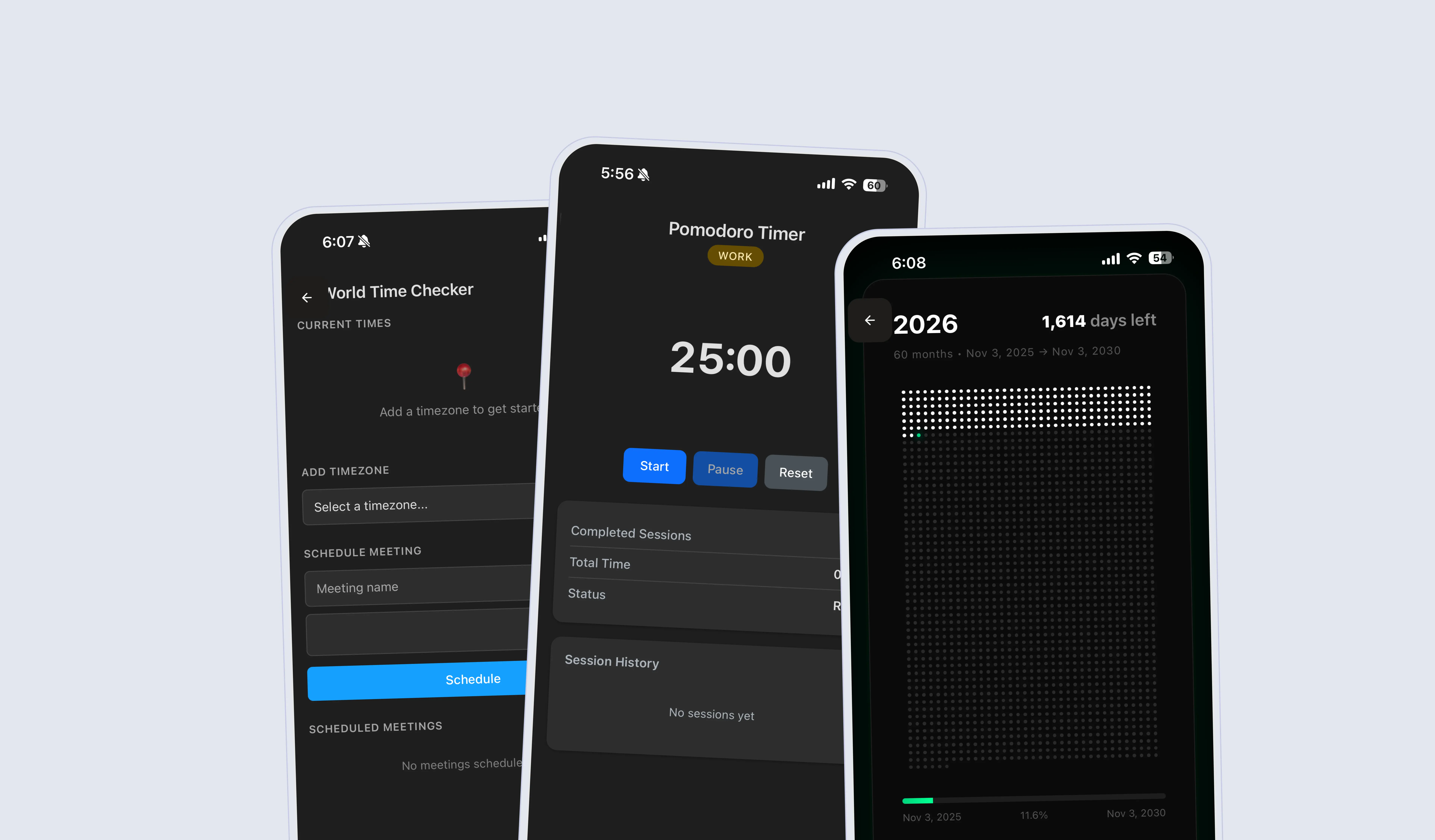
Tools on Hillnote
Tools are little HTML pages that can be written by most AI assistants to help you with simple tasks and to automate your workflow.
color:#1f2937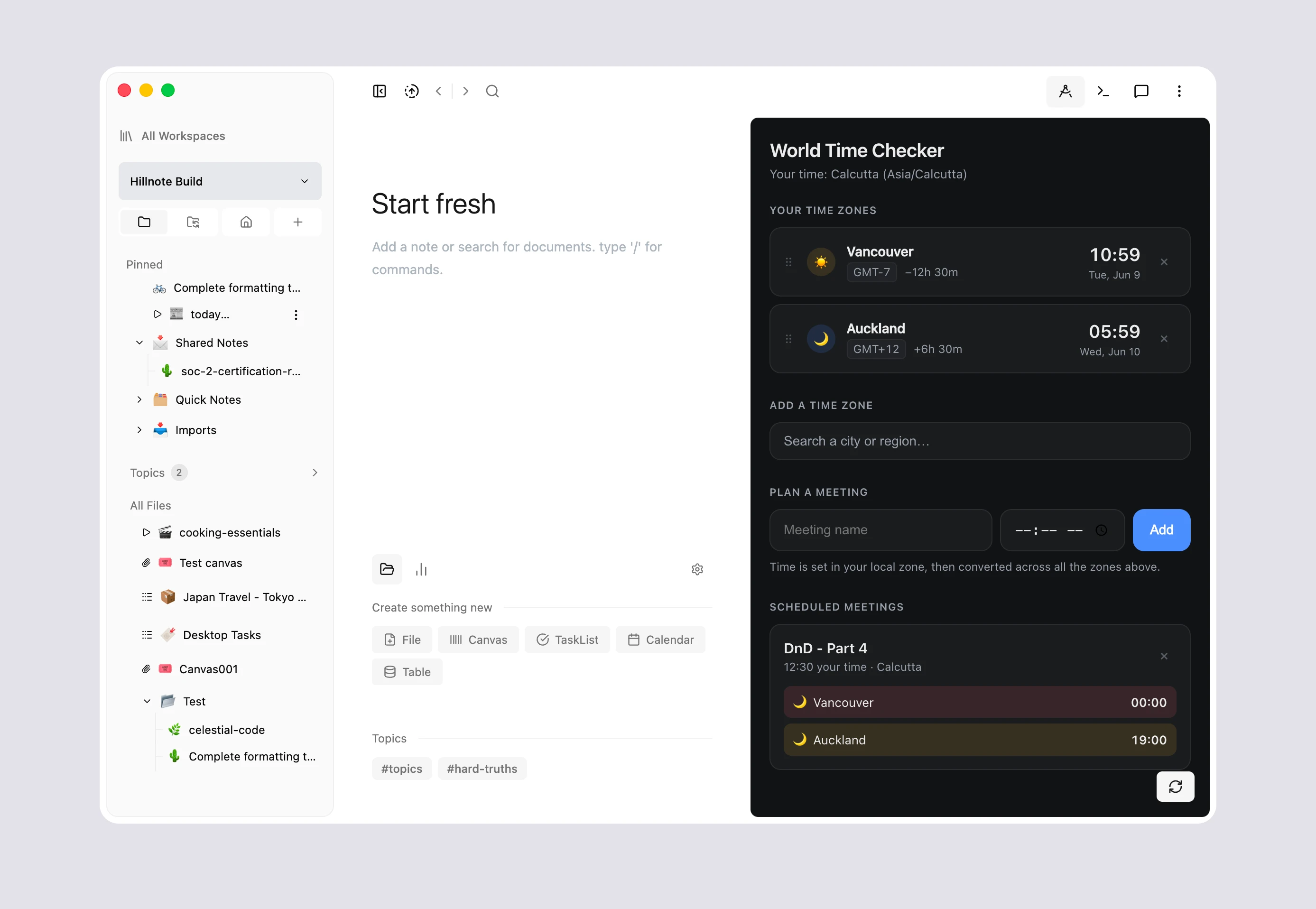
Need that tool to help you calculate the right timezone?
or a tool to be create a random 21 digit number?
or maybe its something to convert your image into hex values?
Just add a tool for it to your workspace!
Creating tools
There are two primary ways to create a tool
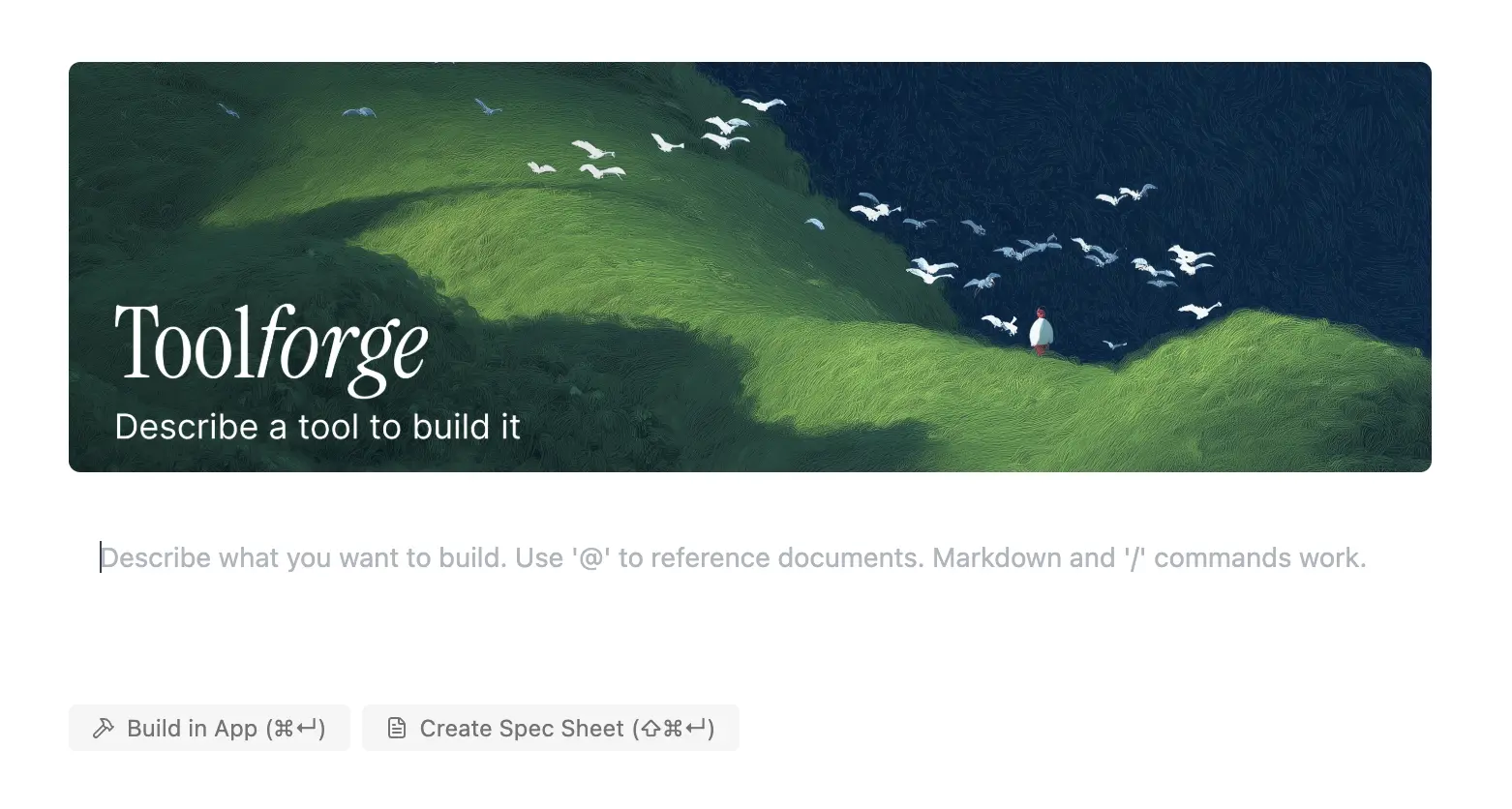
Using Toolforge
In the workspace settings as defined in App interface , Toolforge can be opened to send your prompt with the files needed in context. Choose your model - ask for edits and revise the tool until it works for you.
Using your own AI
You could always connect your tool via MCP or the file system as defined in Connect your tools to then use the tools guide to ask your AI tool to create the tool.
Using tools
Tools can be invoked across desktop and mobile. They sync across devices as well.
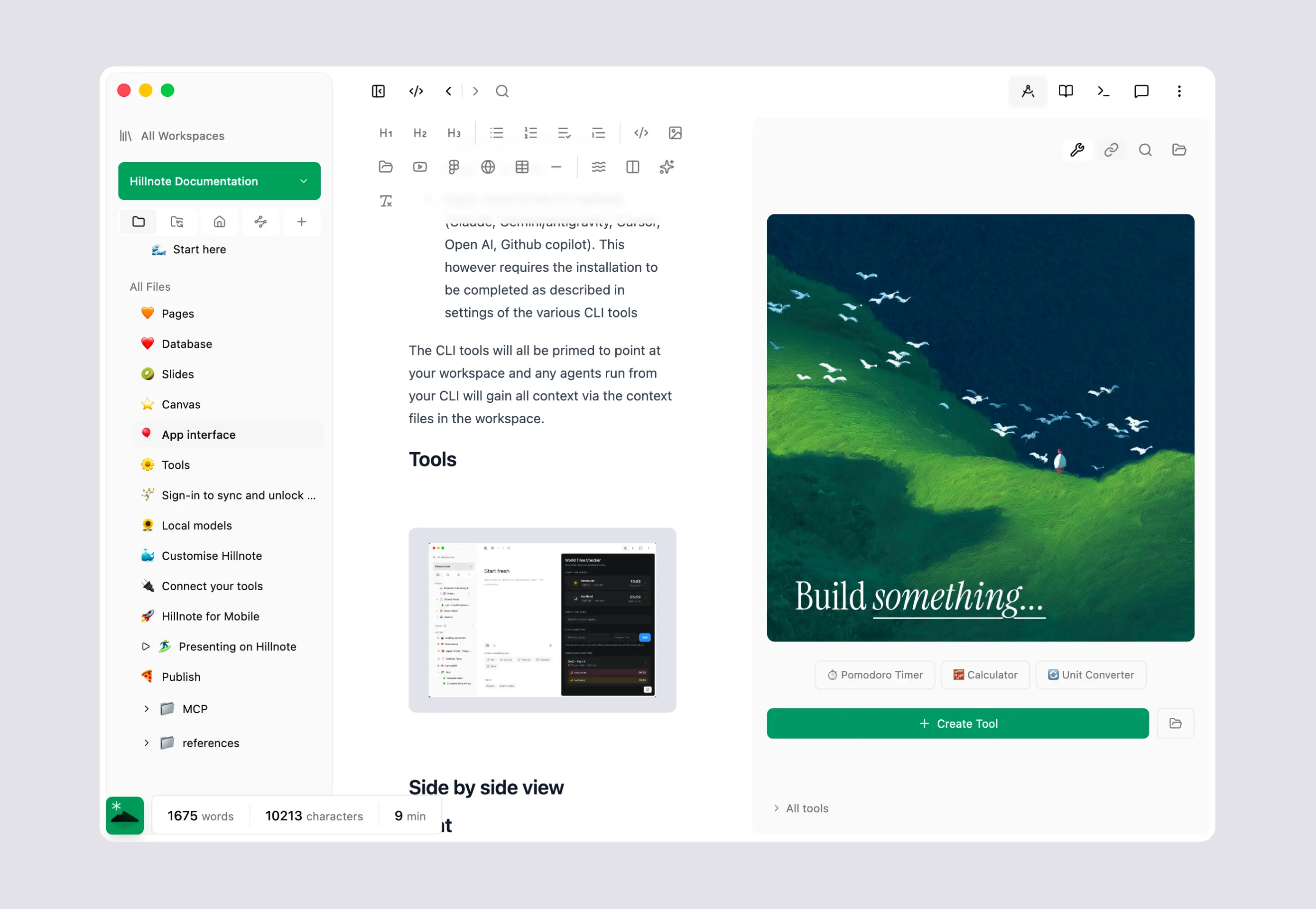
Sidebar on desktop
The tools panel allows you to open your tools from a central place. You can
- Tools: View, manage and pin tools. Clicking on a tool opens the tool (more defined in Connect your tools ).
- Open a URL
- Search wikipedia
- open a PDF, image or other file as reference to the right.
Mobile
Tools can be accessed by clicking the 4th tab up top in the workspace overview. This lists all tools available in the workspace. A widget is also available for quick access to a tool of your choice.