Connect your tools
While a more extensive set of guides are available in hillnote.com/connect there are 2 easy methods to integrate your workspace with your AI tools.
Via MCP
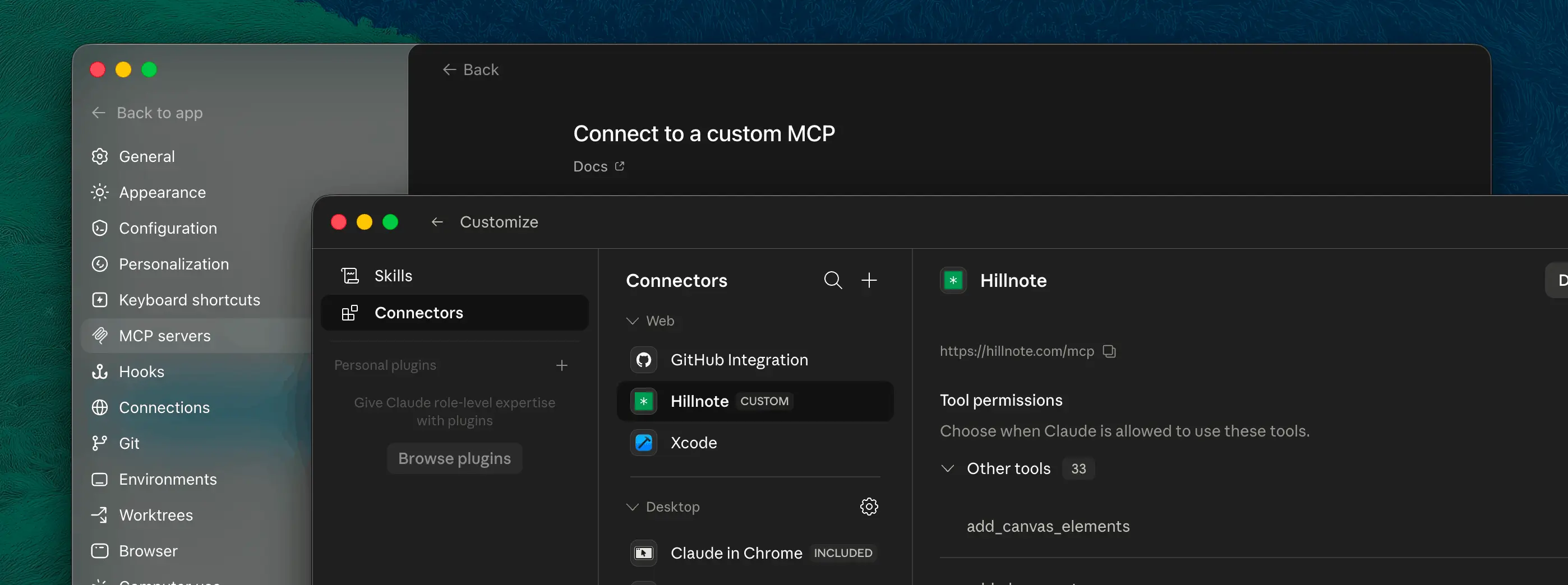
Fairly straightforward - connect to your tools via the local or cloud MCP’s(you will need to sync the workspace to access it via cloud MCP’s). All the instructions you need are in setting > MCP. Some apps call them “Connectors”, “Plugins” or “connections
Directly via Files
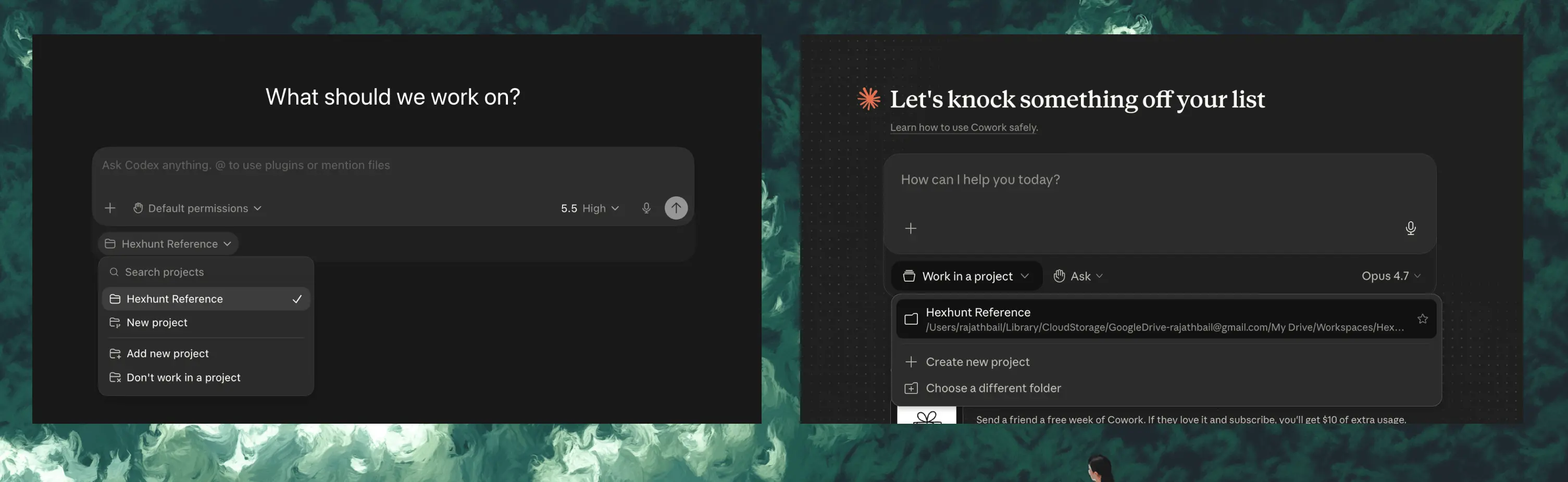
You could alternatively choose to open the workspace folder directly within the app of your choice and start working there. All context needed by the AI tools are available here.