Customise Hillnote
Hillnote has a few methods to customise the surface to best work for you. Most of these settings are in settings as defined in App interface .
Customising the interface
To customise the appearance you have a choice between toggling on and off the top bar icons, specifically in editor settings.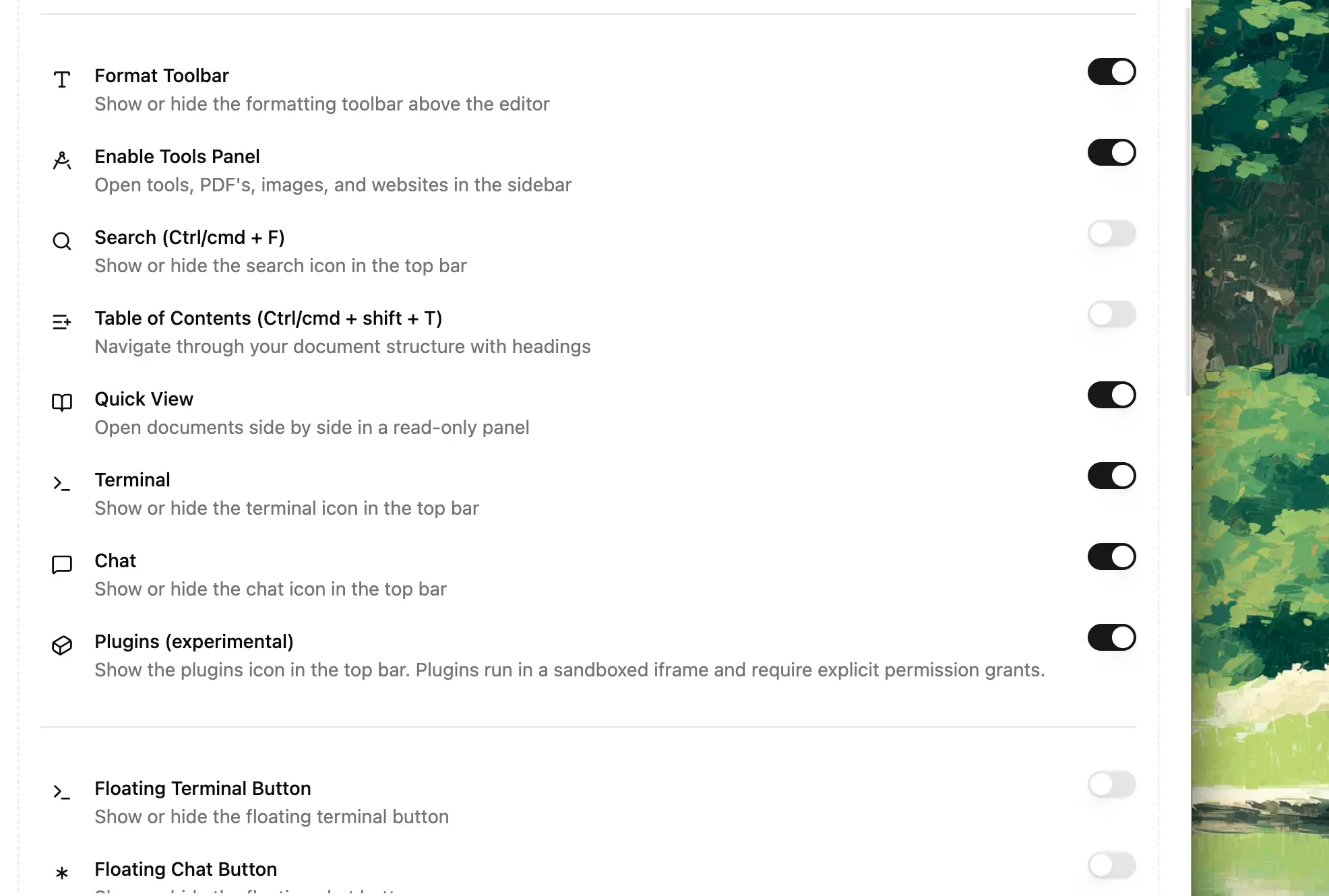
You can change the default font or visibility of the sidebar emojis in settings as well.
You also have the option to enable direct Agent CLI tools as well in the topbar for quick shortcuts. These buttons directly open the CLI tool in the sidebar.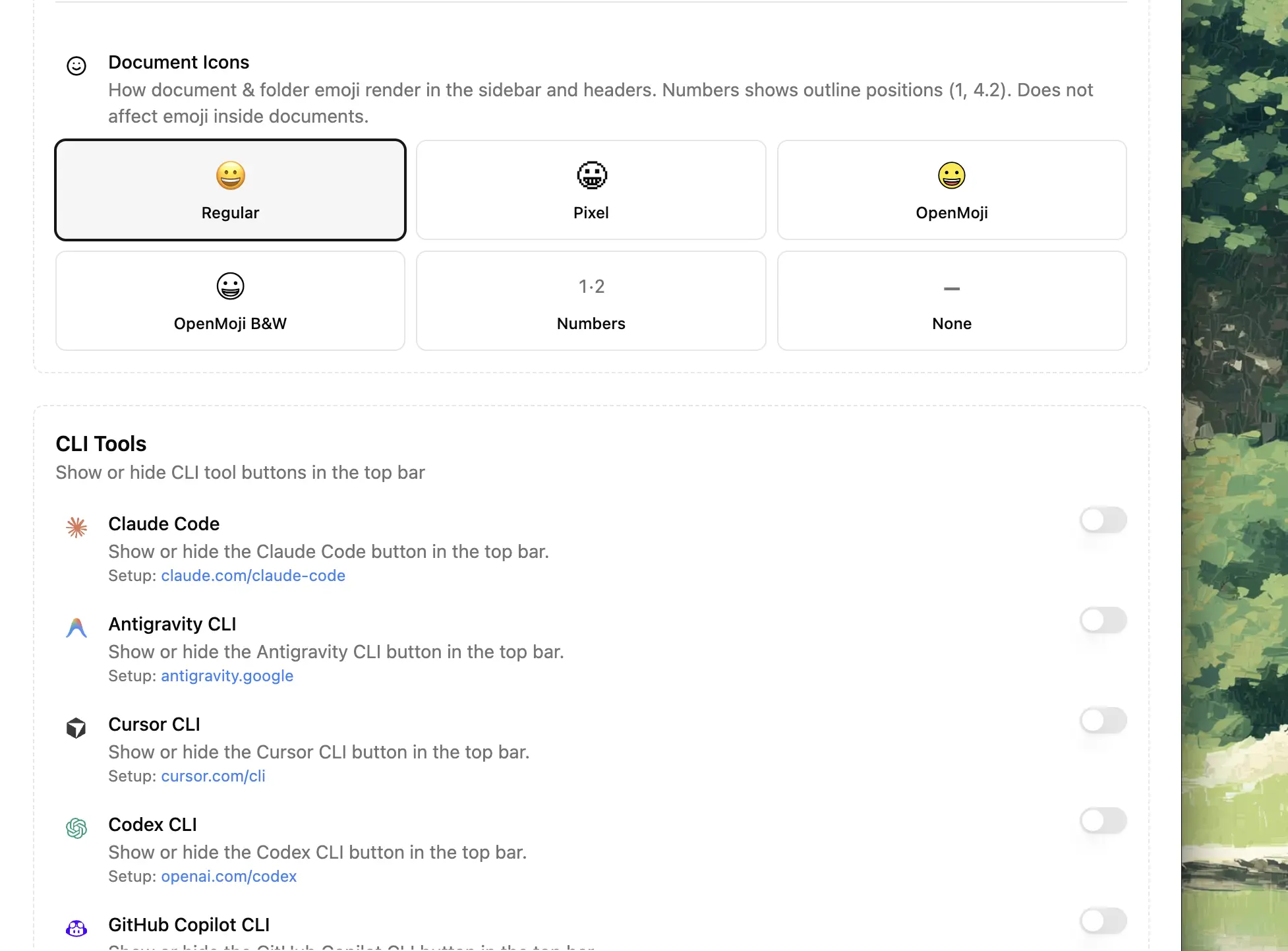
Custom templates
Templates are simple pre-formatted notes that can then be filled as you complete the task. These are available in the ‘/' menu as well.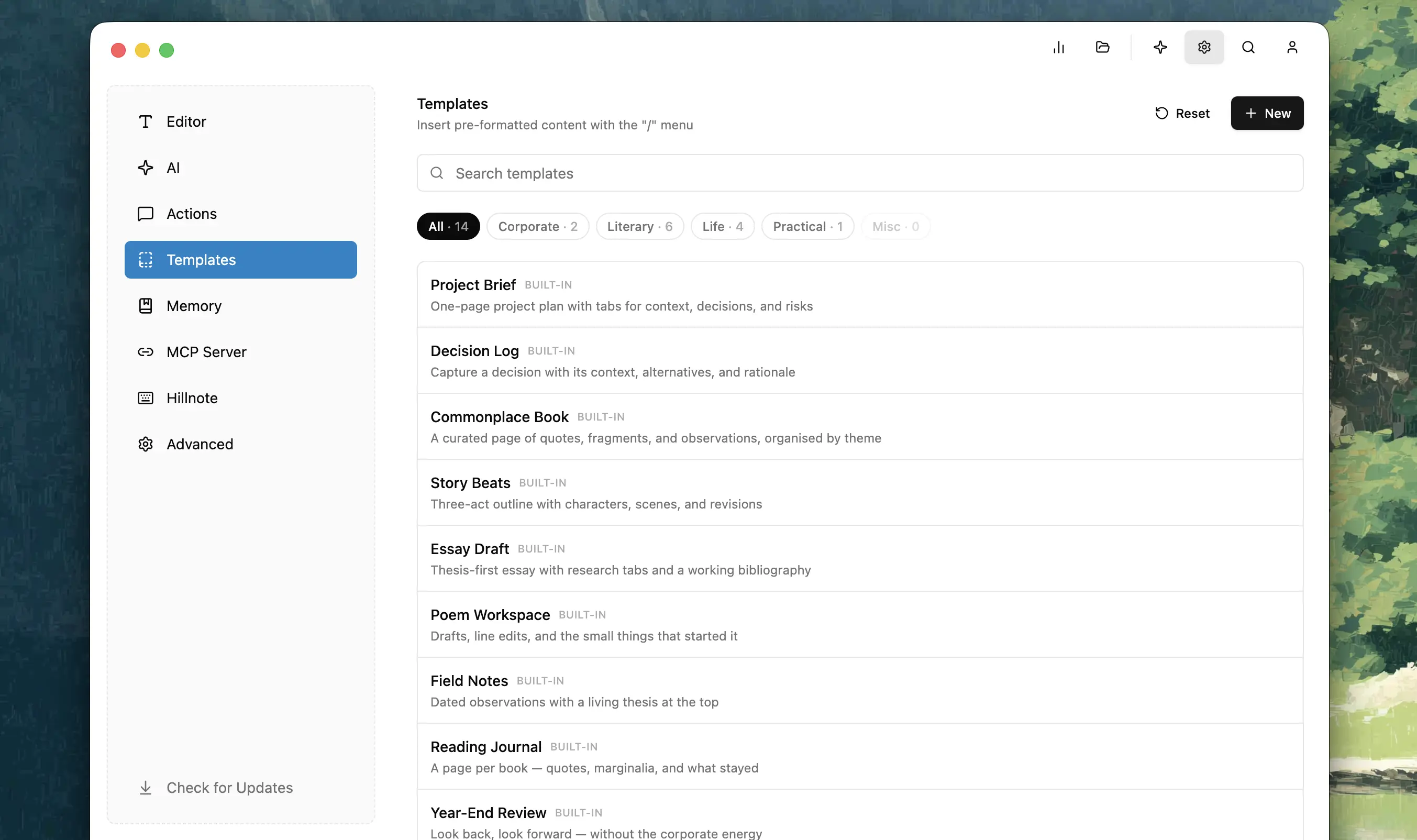
Custom AI actions
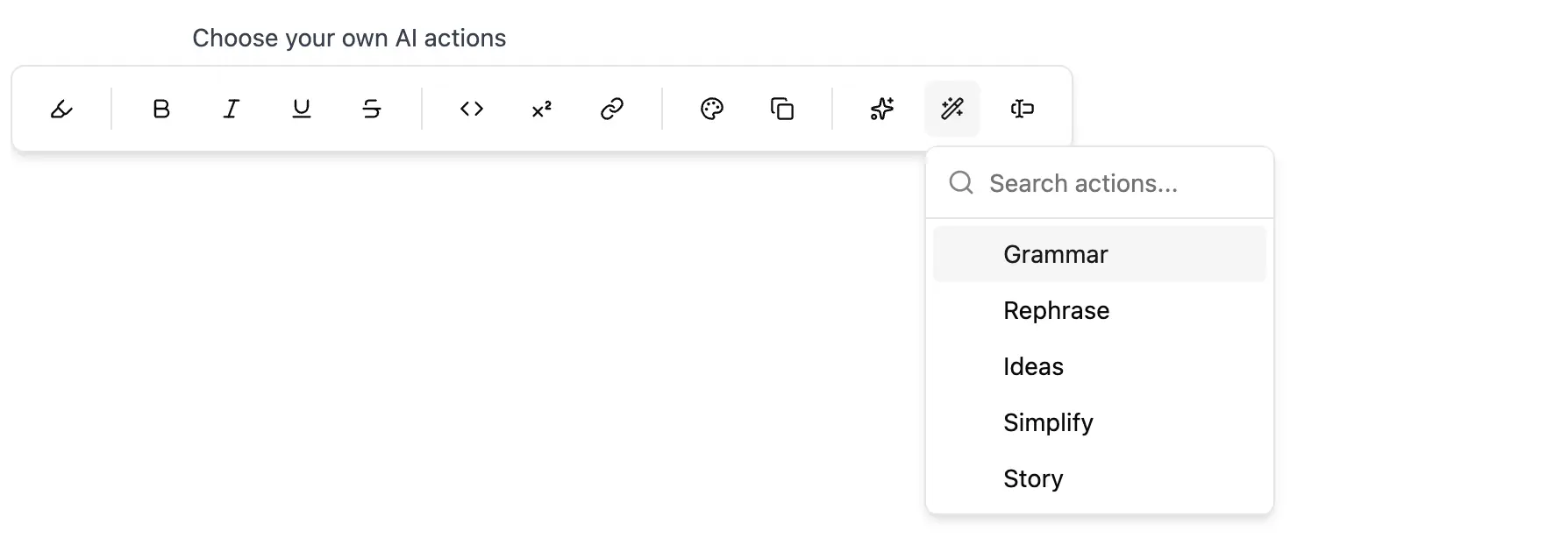
Change the custom AI actions in the bubble menu by doing so in settings. Provide context, the prompt and choose the model to add it to your instance of Hillnote.