Sign-up and Sync
Create an account in Hillnote.com to sync wokspaces, use premium models, routines, add your own Key and more! To sync a workspace click on the sync tab in the sidebar of a workspace.
All free accounts also get limited usage to premium models! ✨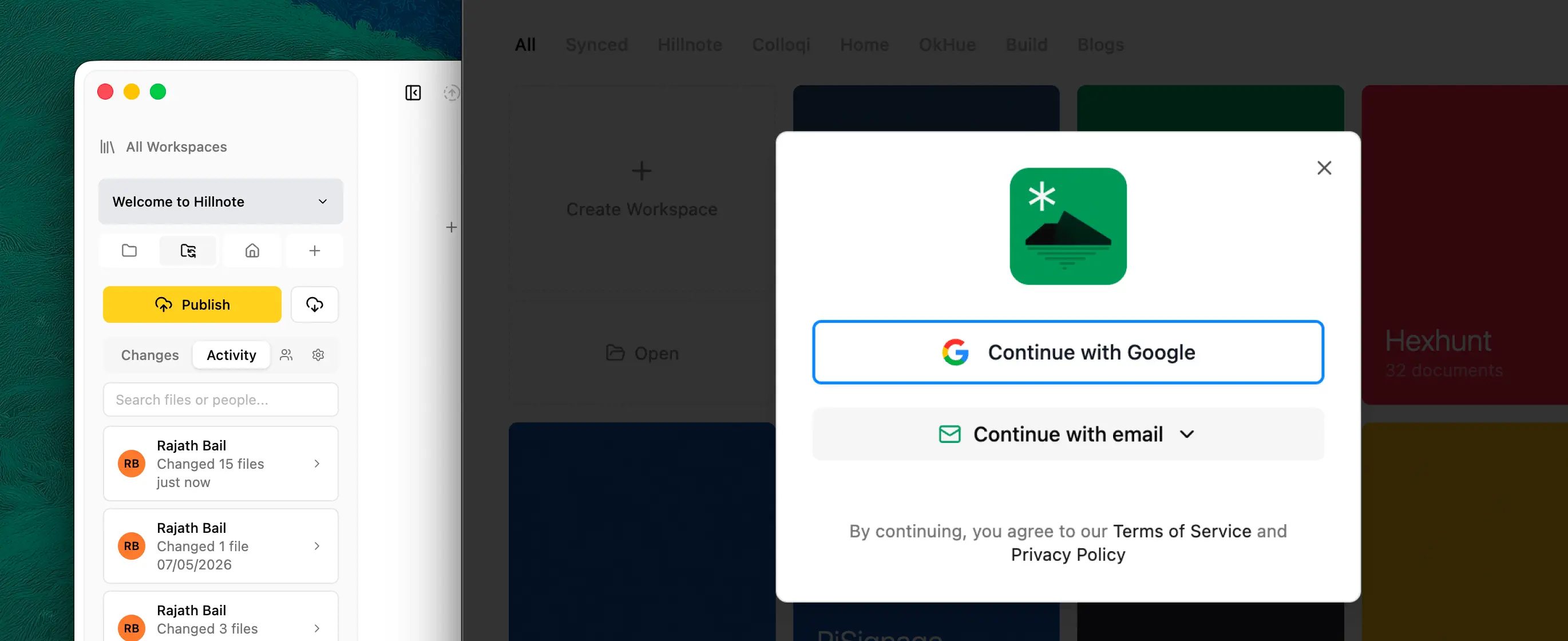
Sync
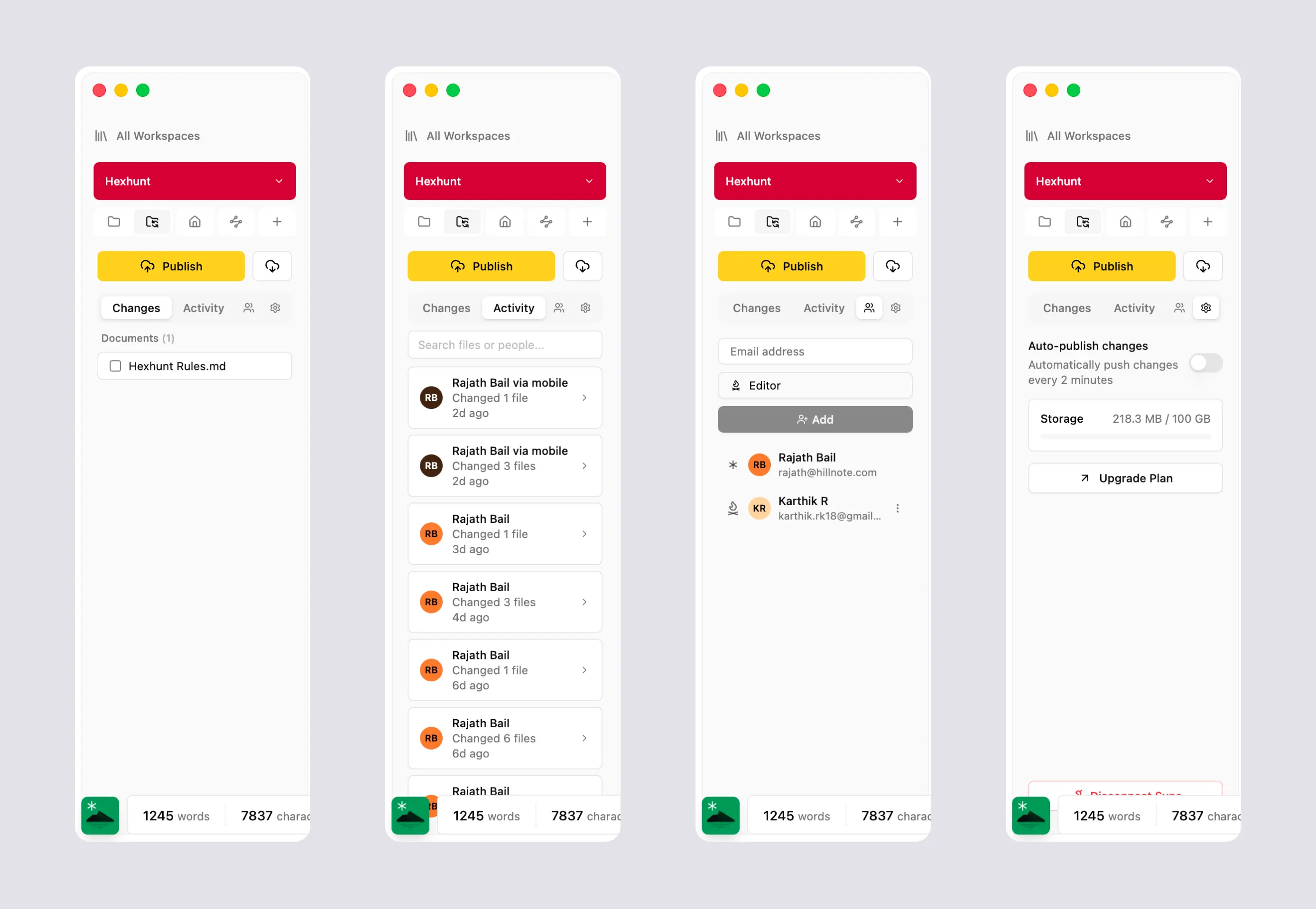 The sync tab is where all of your sync related controls live. To sync a workspace you need first click on publish. Once published you can view all activity and begin using the sync tab.
- Changes showcases all of the files changed. You can always select a file and discard changes.
- Activity covers all activity both by you and the models
- Collaborators allows you to add collaborators to the account. Collaborators are of 2 types. Admin and editor
- Admins can add other users and edit and work on files
- Editors can ONLY work on files and not add other users
- Settings allows you to configure the sync settings.
- Auto publish eliminates the need for manual publishing and pushes your changes every 2 minutes.
- Storage show cases the storage remaining in your account.